Device setup#
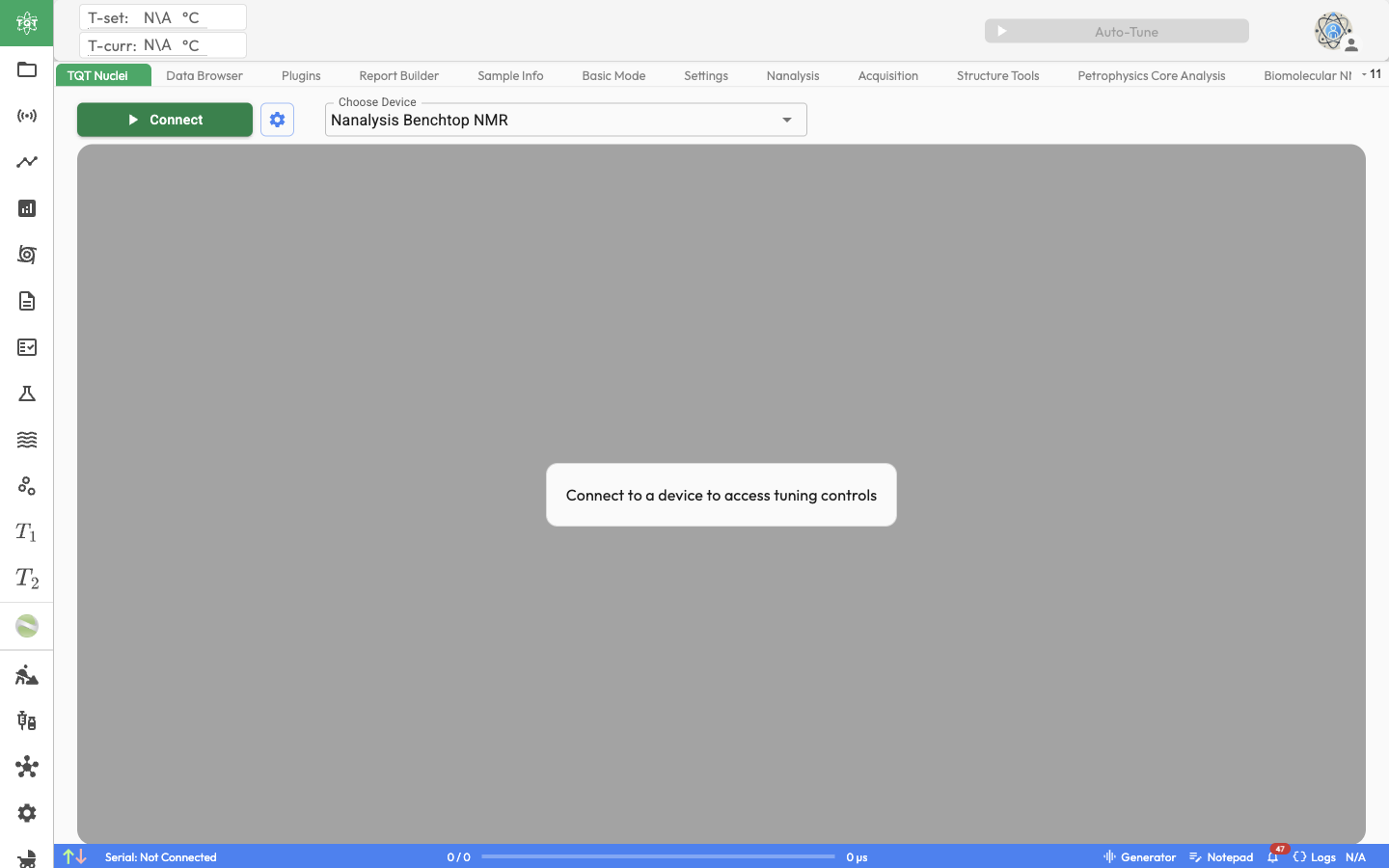
Once the magnet is at its operating temperature — the indicator on the HOME page is solid green — tune the instrument. Four parameters have to be found before anything you record will mean much. Each has its own tab on the HOME page.
-
Frequency
Match the resonant frequency of the circuit to the nucleus you are observing. Later steps depend on it.
-
Duration
Find the pulse duration that produces the intended flip angle. This sets how strongly the spins are excited.
-
Dead time
Find the ringing time of the resonant circuit — the recovery period after a pulse, before the receiver can detect signal. The shorter it can be, the more of the signal you keep.
-
Phase
Align the phase of the received signal. If it is wrong, real signal appears in the imaginary channel.
Each tab plots its sweep and marks the optimum it found. Press START on a tab to run that sweep with the parameters shown, or press AUTO TUNE in the top-right corner to run all four in sequence with their defaults.
Note
Which tabs appear depends on the instrument — each tuning operation declares a device capability, and one the connected device cannot perform is not offered. See Home.
The results are written to the device settings, where you can inspect or override them on the Settings page.
Next step: Basic measurement — run your first experiment.