Basic mode#
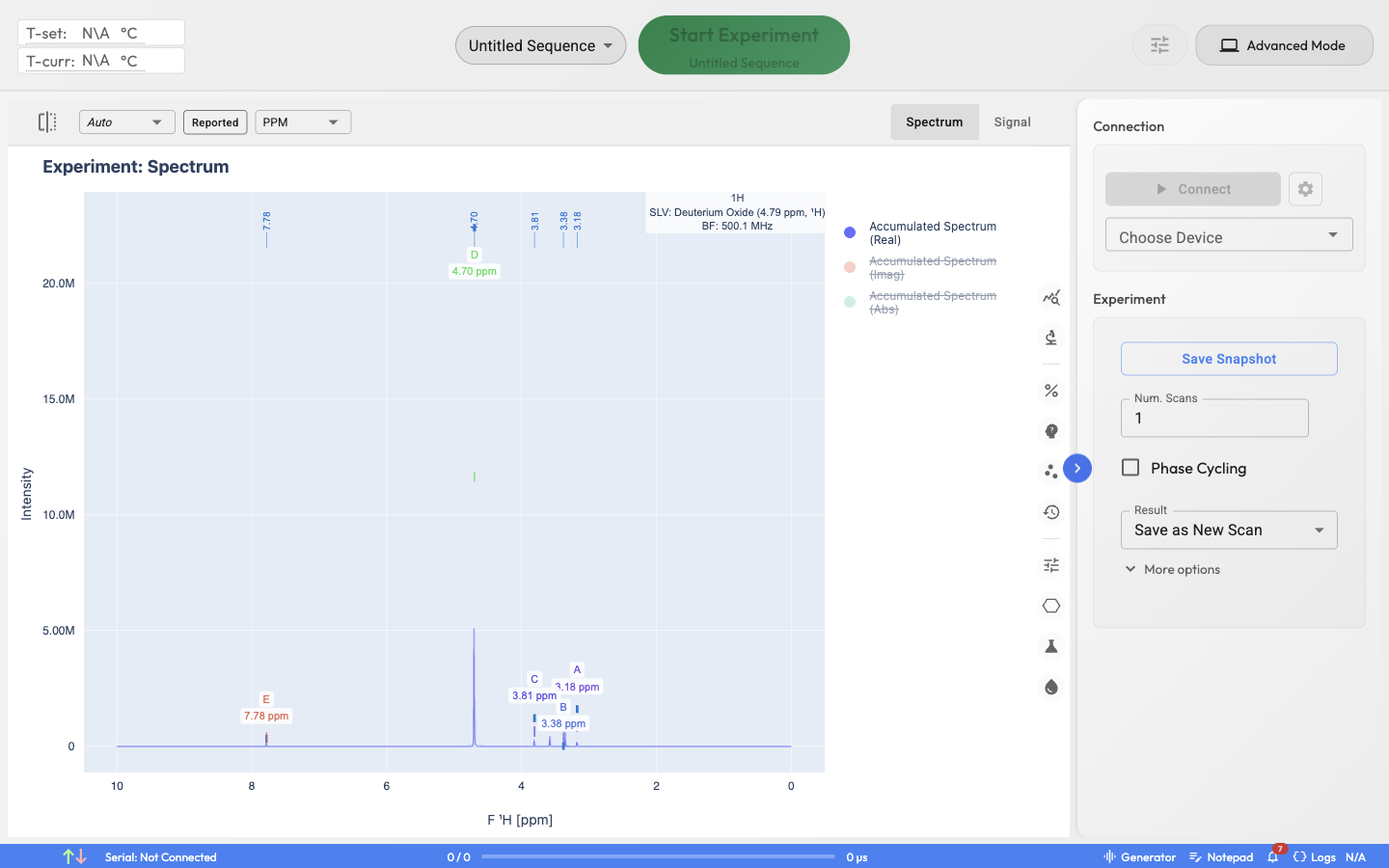
Basic mode reduces the app to one screen and one button, for running a known experiment without configuring anything. The top bar and the left navigation bar are hidden and the advanced controls are put away.
Running an experiment#
Choose the experiment from the Experiment picker in the header; switching experiments with unsaved edits to the current one asks whether to save them first. The large green Start Experiment button carries the name of the experiment. Press it to run. It uses the same options as the Acquisition page — what happens to the result, field lock and the quality check — and is disabled, with an explanation on hover, when no device is connected. While a run is active the button becomes a stop button, which asks before discarding the data acquired so far.
The result appears in the plot below as it arrives, with Signal and Spectrum tabs for the time and frequency domain.
The side panel#
The panel beside the plot (hide it with Hide side panel) has two sections:
| Section | What it holds |
|---|---|
| Connection | Choose or disconnect the device, and confirm it is reachable. |
| Experiment | Number of scans, phase cycling and what happens to the result. Field lock and the quality check are under More options. |
The tuning button in the header toggles a Tuning panel with frequency, dead time and phase — the Home page controls, reduced to their essentials. It is unavailable, with the reason on hover, when no device is connected or the device cannot be tuned.
Leaving basic mode#
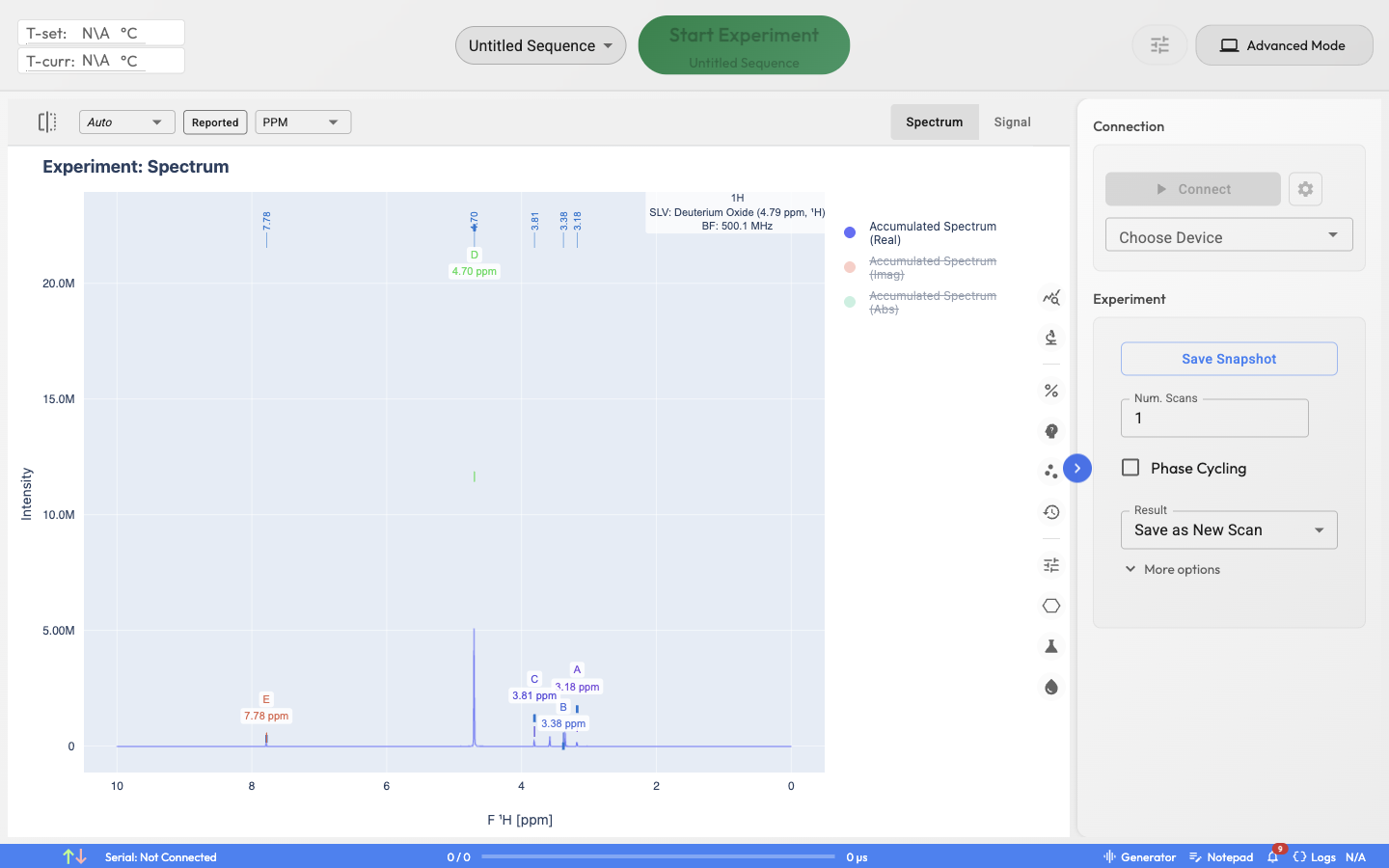
Open full workspace, in the top-right corner, restores the full interface. Nothing is lost by switching in either direction; the same project, device and experiment carry across.