Installation#
To install TQT Nuclei, follow the steps below. This guide will walk you through registering for access, acquiring a license, and downloading the software.
-
Register on the TerraQuantTech LLC Portal
Start by visiting the TerraQuantTech LLC web portal at terraquant.tech.
If you are a new user, fill in the required details to create your account, and click on Register.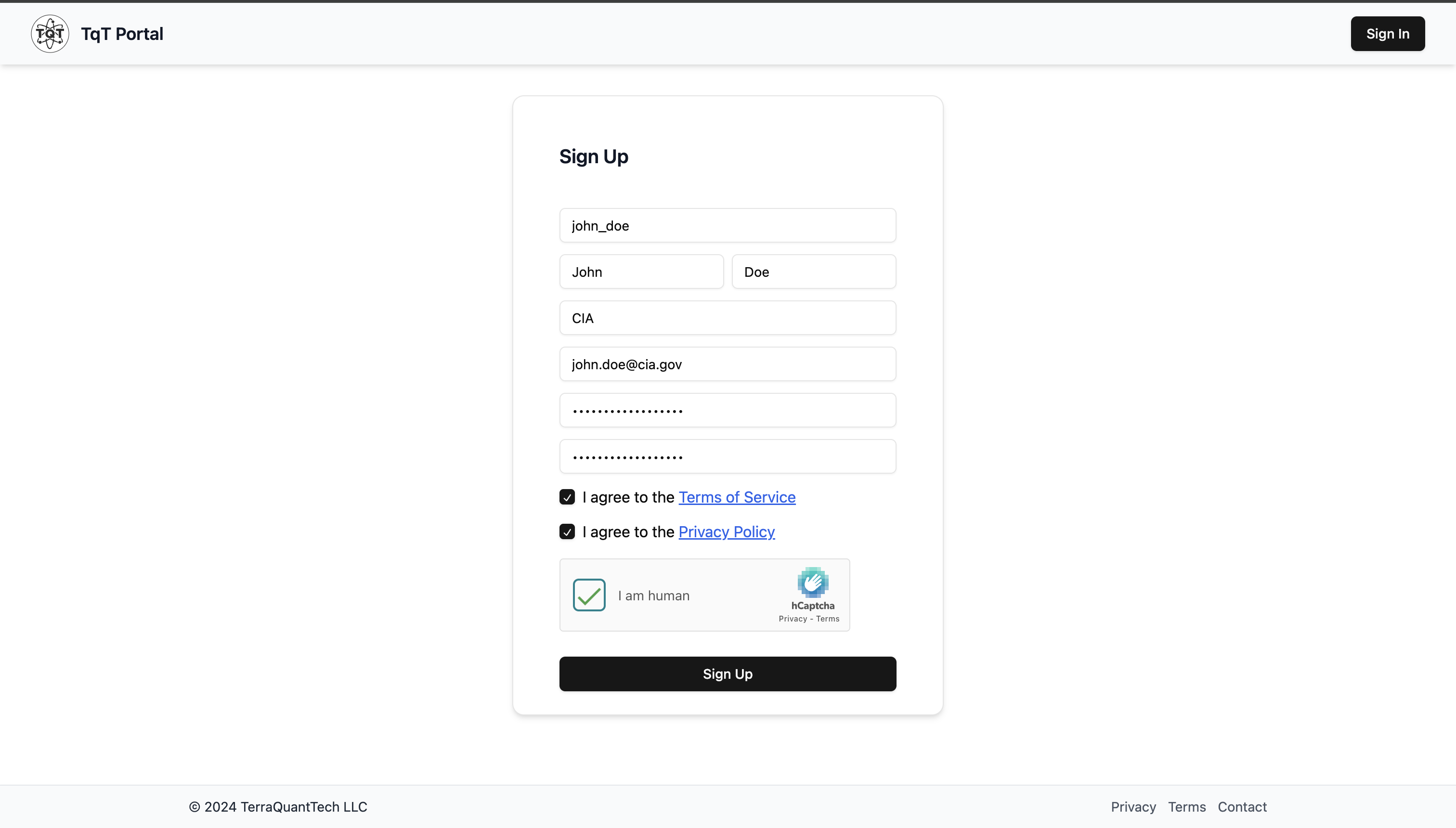
-
Request a License
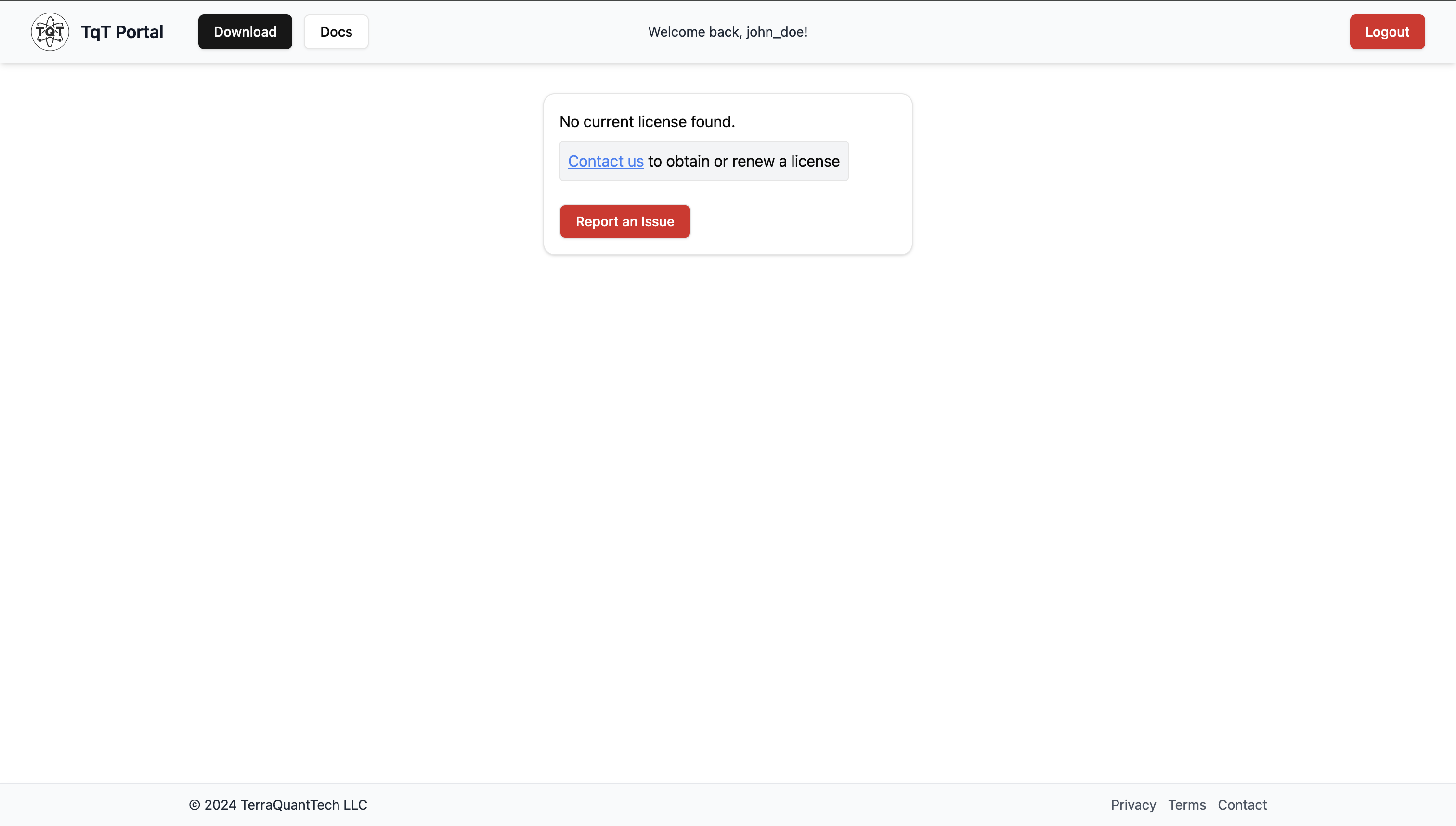
To activate the software, you need a valid license. There are currently two options: -
Request a Trial License: Contact your administrator to provide a trial license.
- Purchase a Full License: Visit the licensing section on the portal to view available offers and complete the purchase.
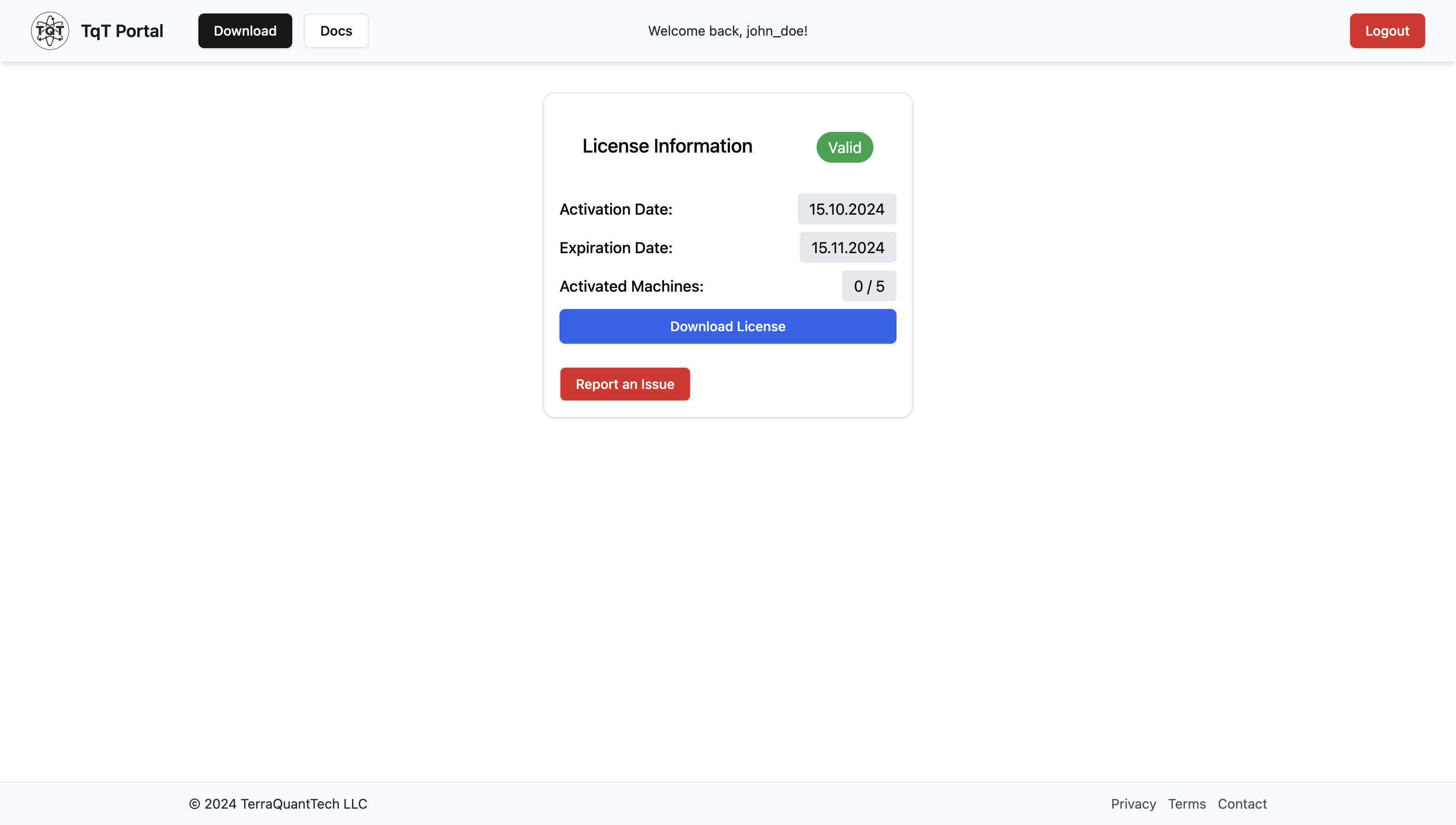
Once the license is granted, download the license file (with the extension .tl).
- Download NucleI
Once the license request is issued, you'll have an option to download the digital key from your
account page.
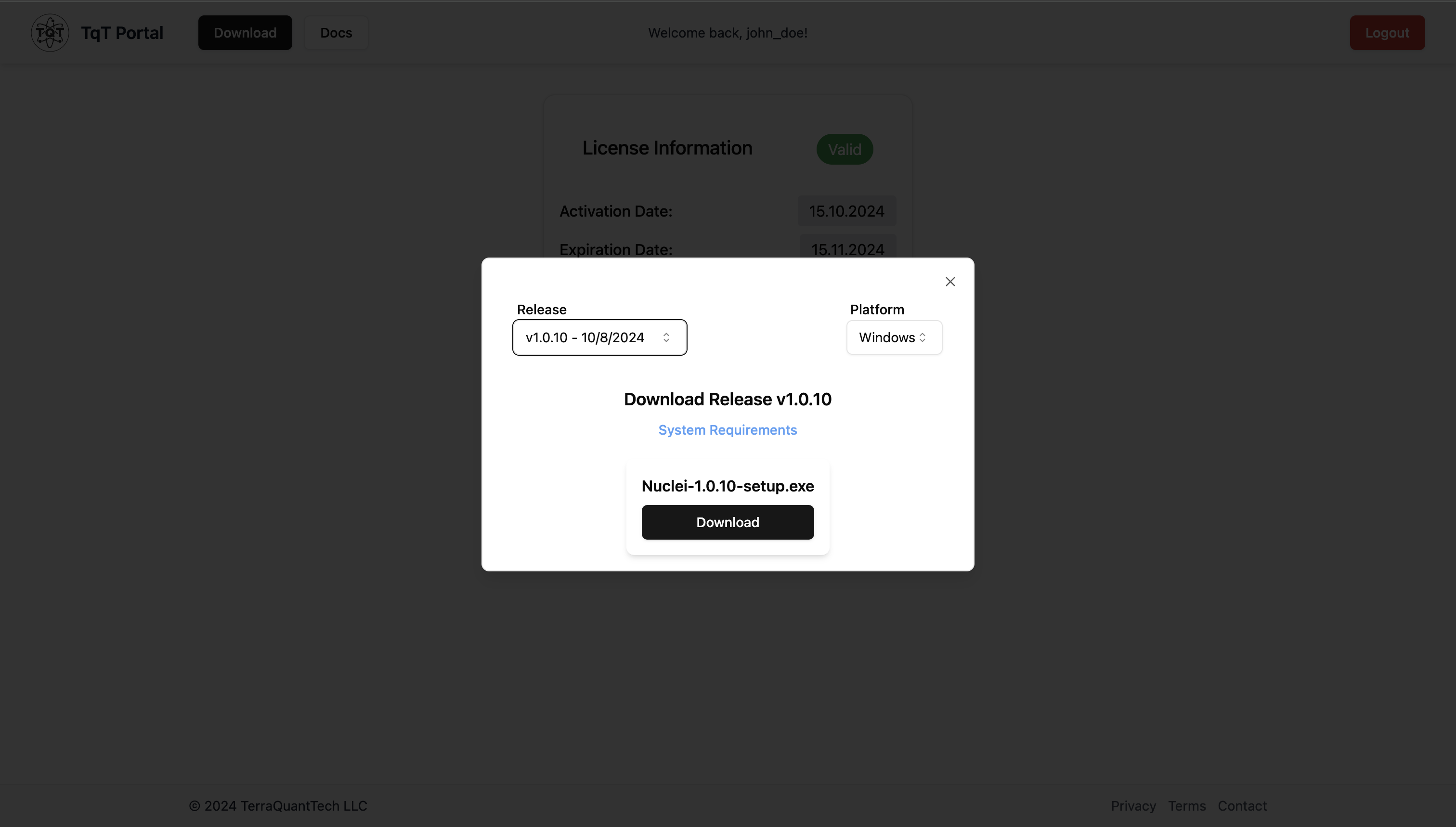
After receiving your license, go to the Download section of the portal in website header.
Select the appropriate release version for your system (Windows or macOS), then press the Download button to retrieve the installation file.
-
Install on Your Local Machine
Once downloaded, run the installer and follow the on-screen prompts to complete the installation on your local machine. -
For Windows: Double-click the
.exefile and follow the setup wizard. - For macOS: Open the
.dmgfile and drag the application to your Applications folder.
After the installation, the software will prompt you to upload your .tl license file to activate your copy of TQT Nuclei.
You're now ready to begin setting up and running your NMR experiments!
Next step: Connection — connect the NMR device to your computer.
Minimal System Requirements#
| Component | Requirements |
|---|---|
| Operating System | Windows: 10 or later macOS: 10.13 or later (Intel or ARM) Linux: Ubuntu 18.04 or later |
| Processor | Intel Core i3 or later |
| RAM | 4 GB minimum, 8 GB recommended |
| Disk Space | 1.5 GB available |