Basic Measurement#
After successfully setting up all the NMR parameters, you are ready to start your first measurement. Follow these steps to initiate the experiment:
- Select Experiment Preset
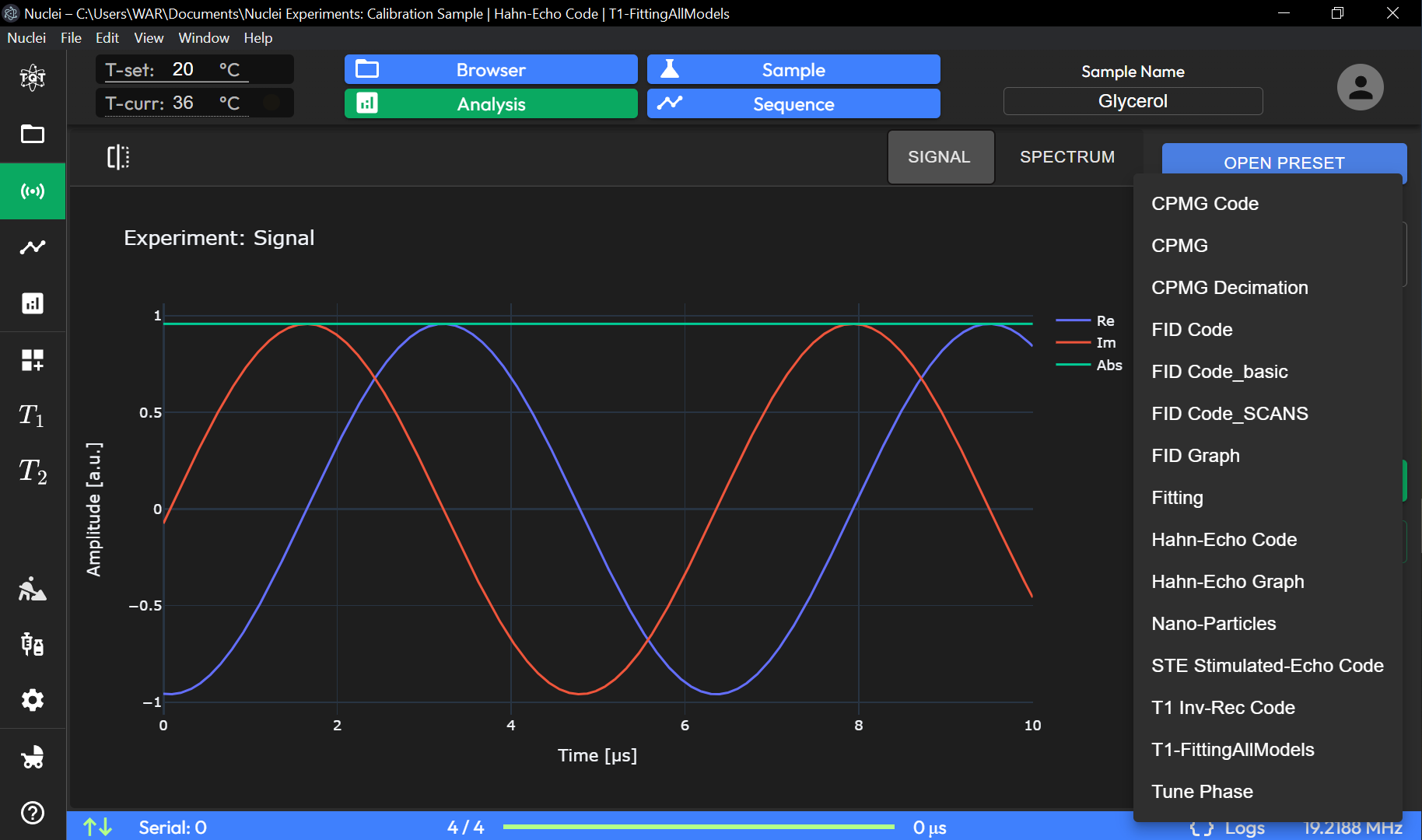
Navigate to the ACQUISITION page. From the available list of experiment presets, choose the one that suits your needs. For example, you can select Hahn-Echo as a standard preset.
- Start the Measurement
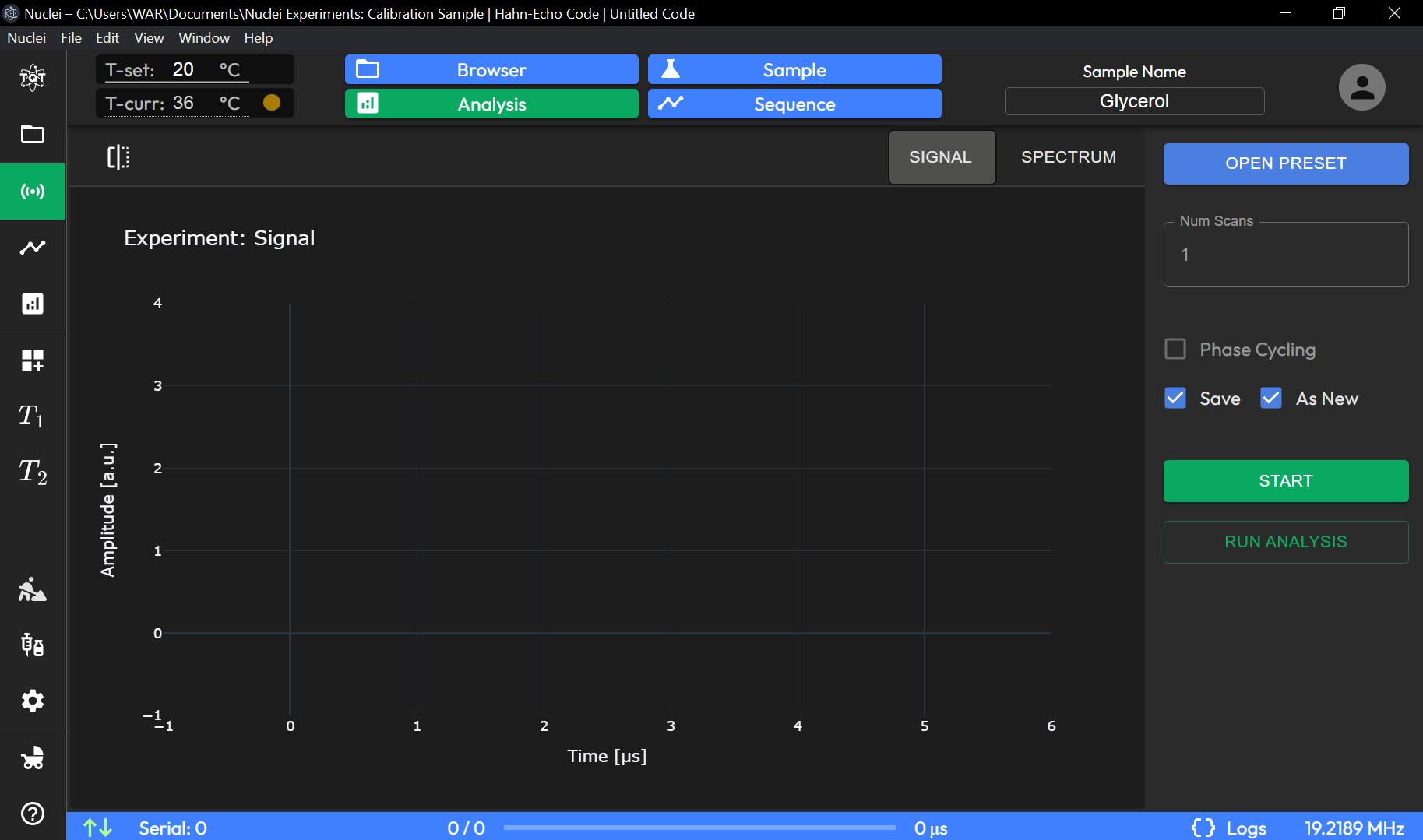
Once the preset is selected, click the START button to begin the experiment. The system will start acquiring data based on the selected parameters.
- View Results
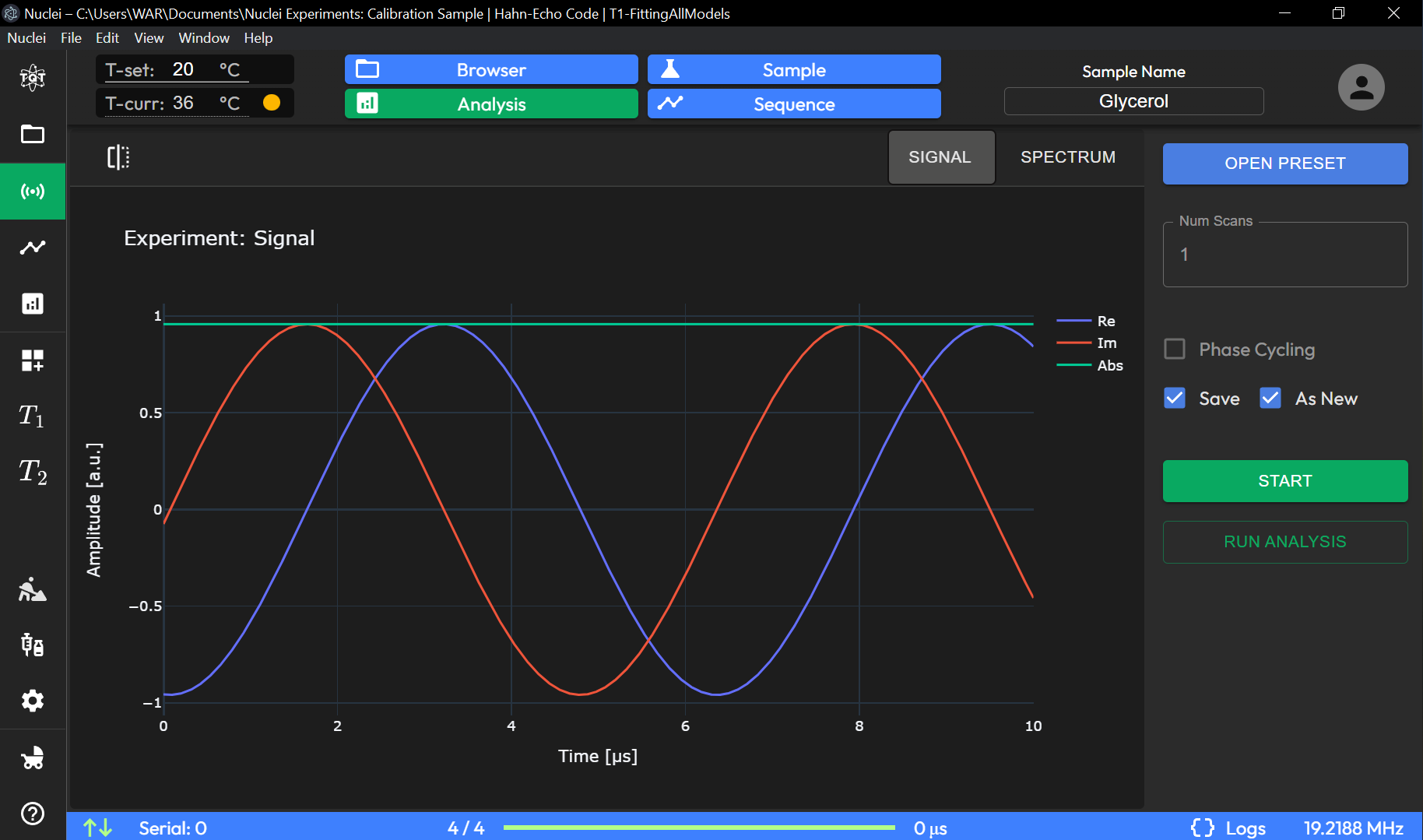
The results of the experiment will be displayed in the main application window. If you have selected the "Save" and "Save as new experiment" checkboxes, the experiment will also be saved and displayed in the DATA BROWSER page for future reference.
You've completed the Quick Start guide. For more details on each feature, see the User Guide.