Help Page#
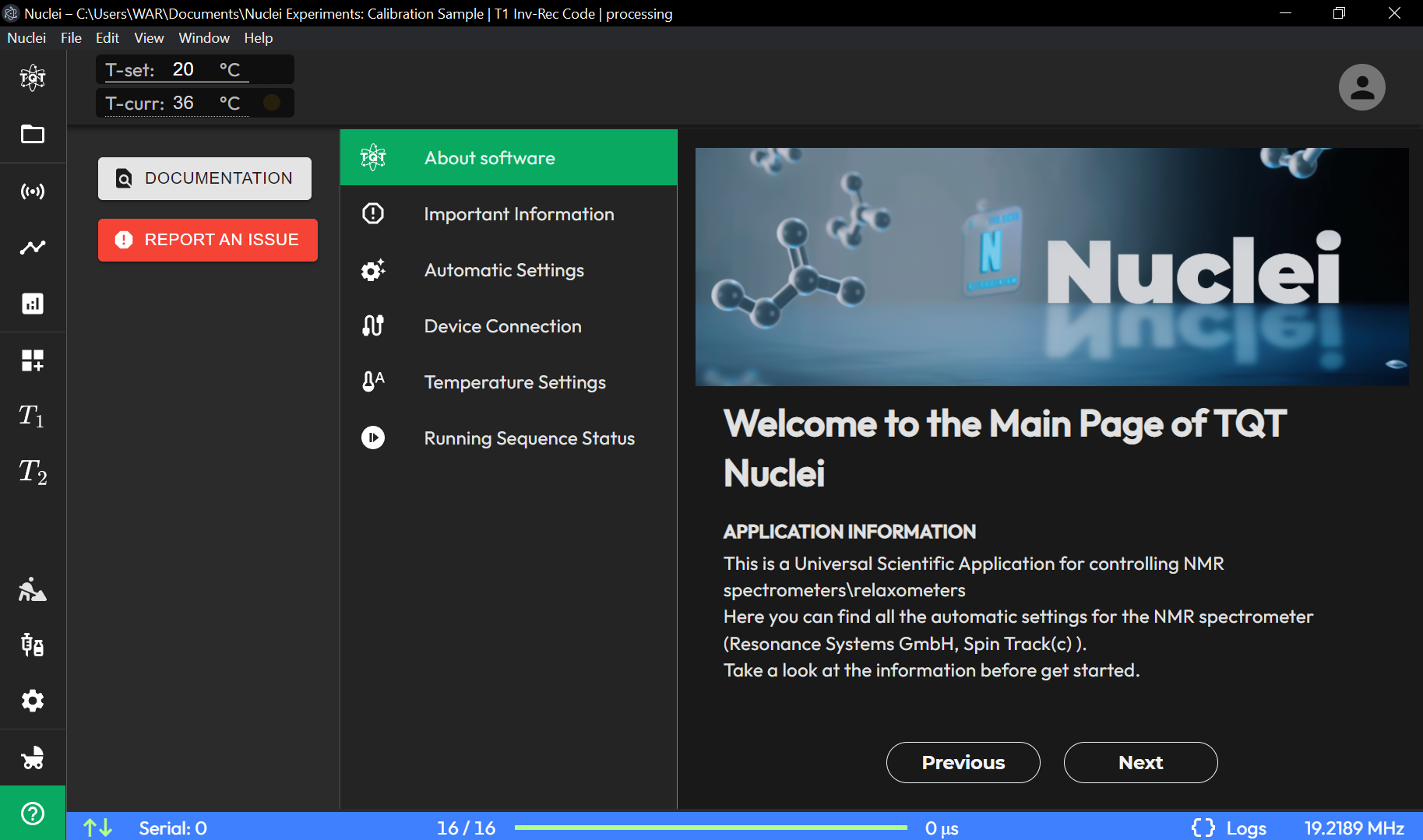
The HELP page provides quick access to support resources and diagnostic information.
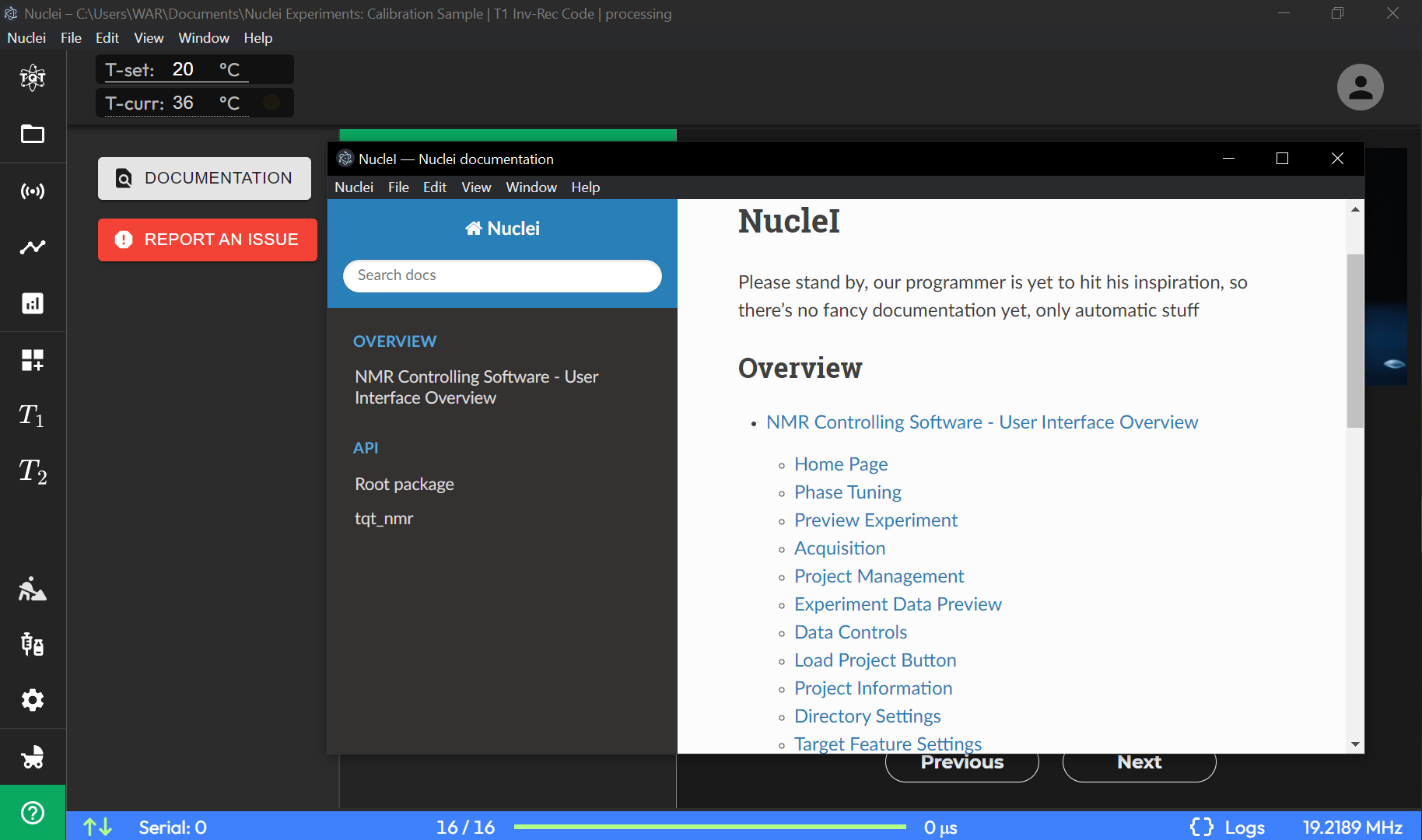
Open Documentation#
Opens the full documentation at docs.terraquant.tech in a new window.
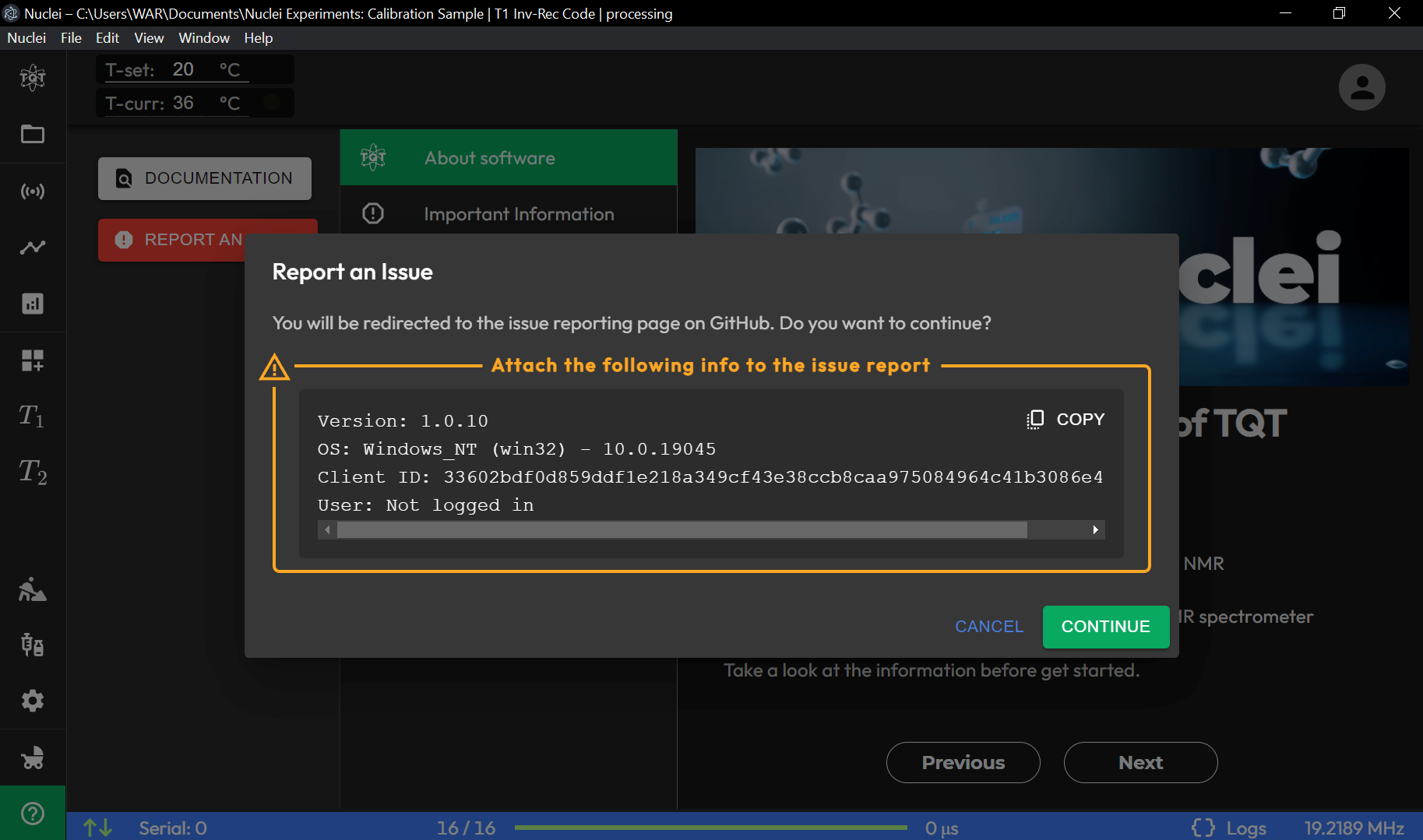
Submit an Issue#
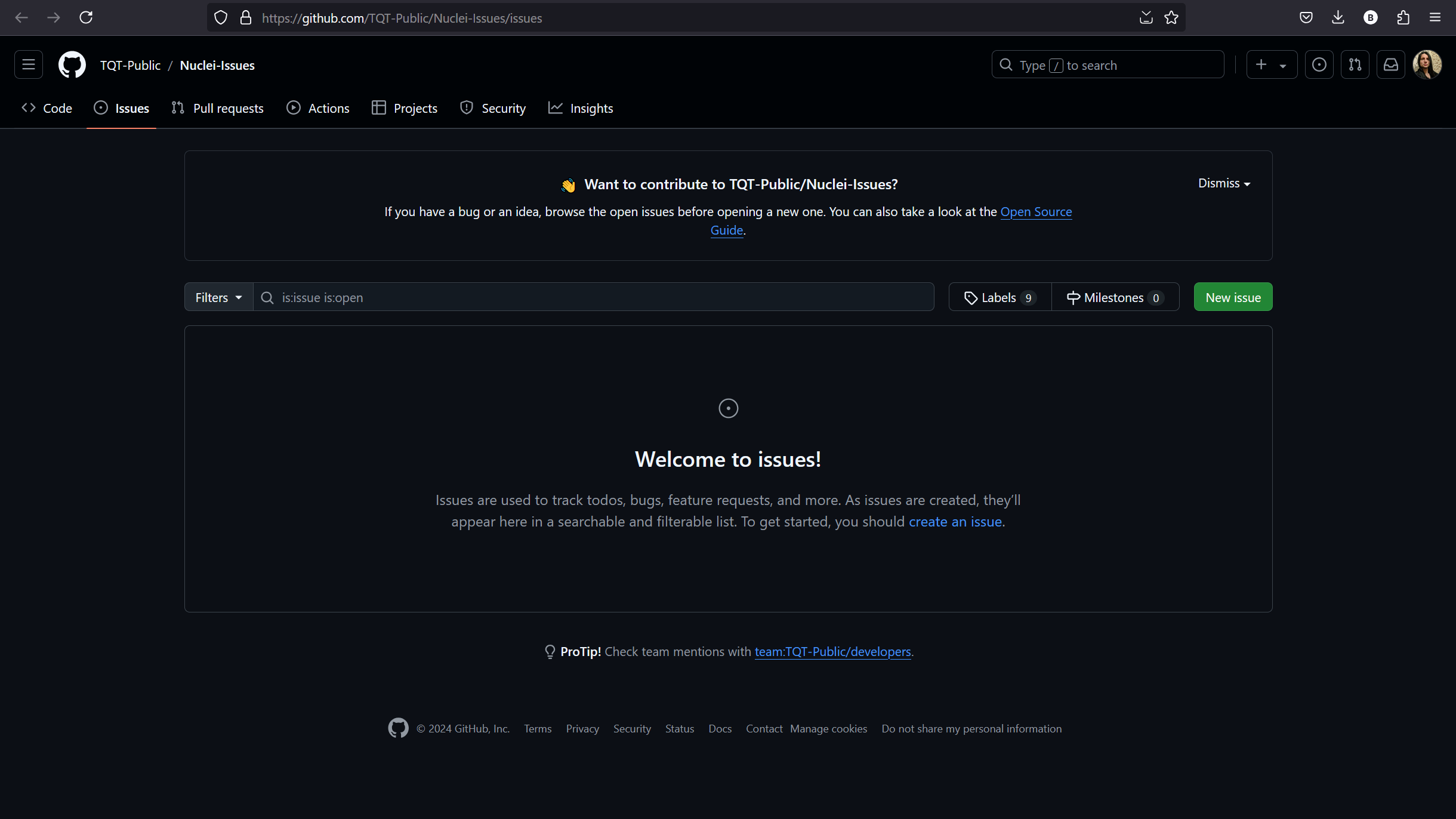
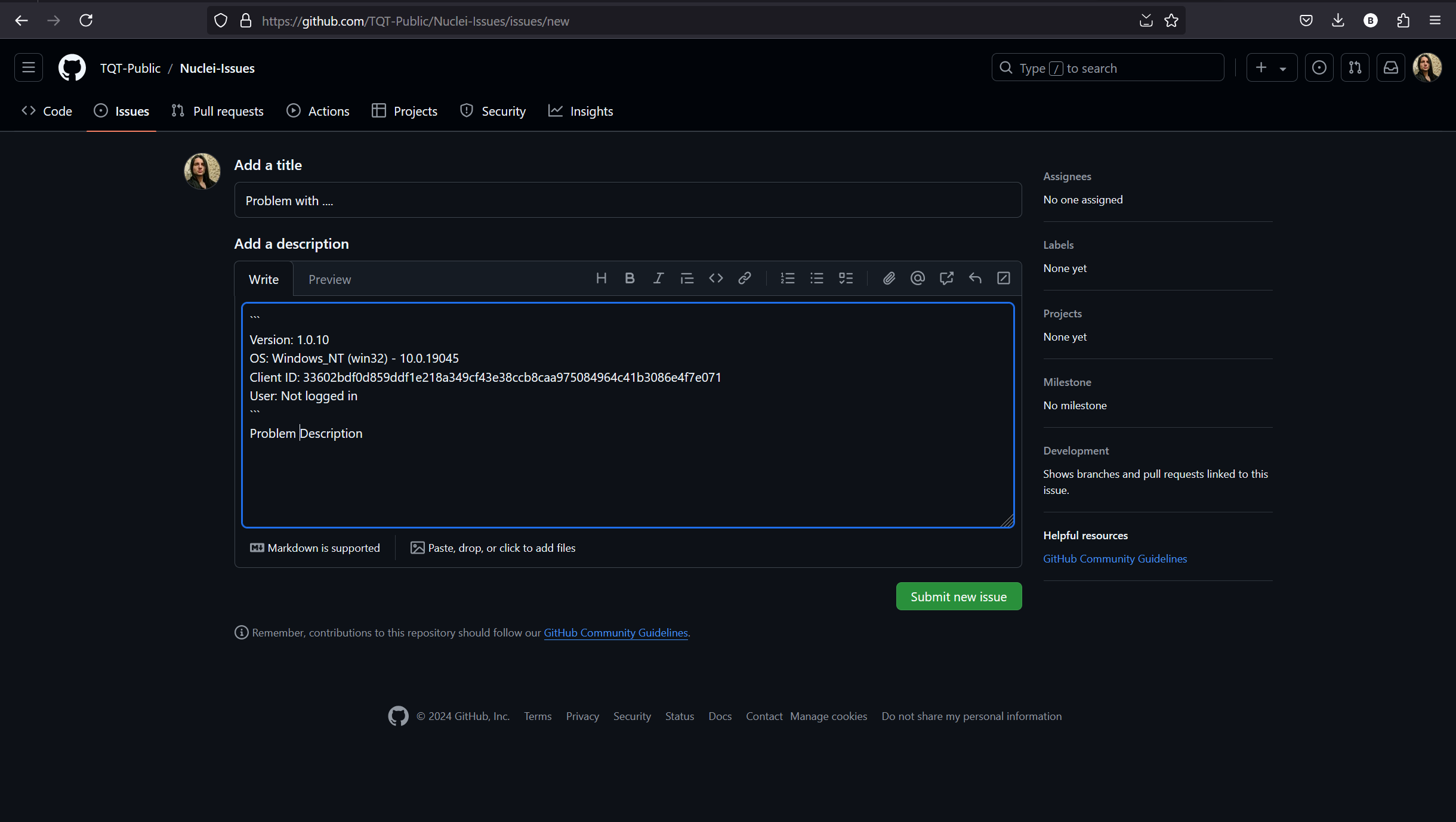
Reports a bug or feature request on the TQT Nuclei GitHub repository. When submitting an issue, include:
- A description of what happened and what you expected.
- Steps to reproduce the problem.
- The log file (see below).
- Your software version (shown in the quick info panel on this page).
Quick Information Panel#
The right side of the HELP page shows a summary of your software and hardware configuration — the same info shown in the welcome pop-up on first launch. Use this to quickly check your version number, device serial, and connection status.
Log Files#
The application logs detailed information about every operation. To access logs:
- Click Logs in the status bar at the bottom of the main window.
- Log files are stored locally and include timestamps, device communication details, and error traces.
Before contacting support
Always attach the log file when reporting issues. It dramatically speeds up diagnosis. You can also check it yourself — search for "ERROR" or "WARNING" entries near the time the problem occurred.
See Also#
- Troubleshooting — solutions to common problems
- FAQ — frequently asked questions