User Guide#
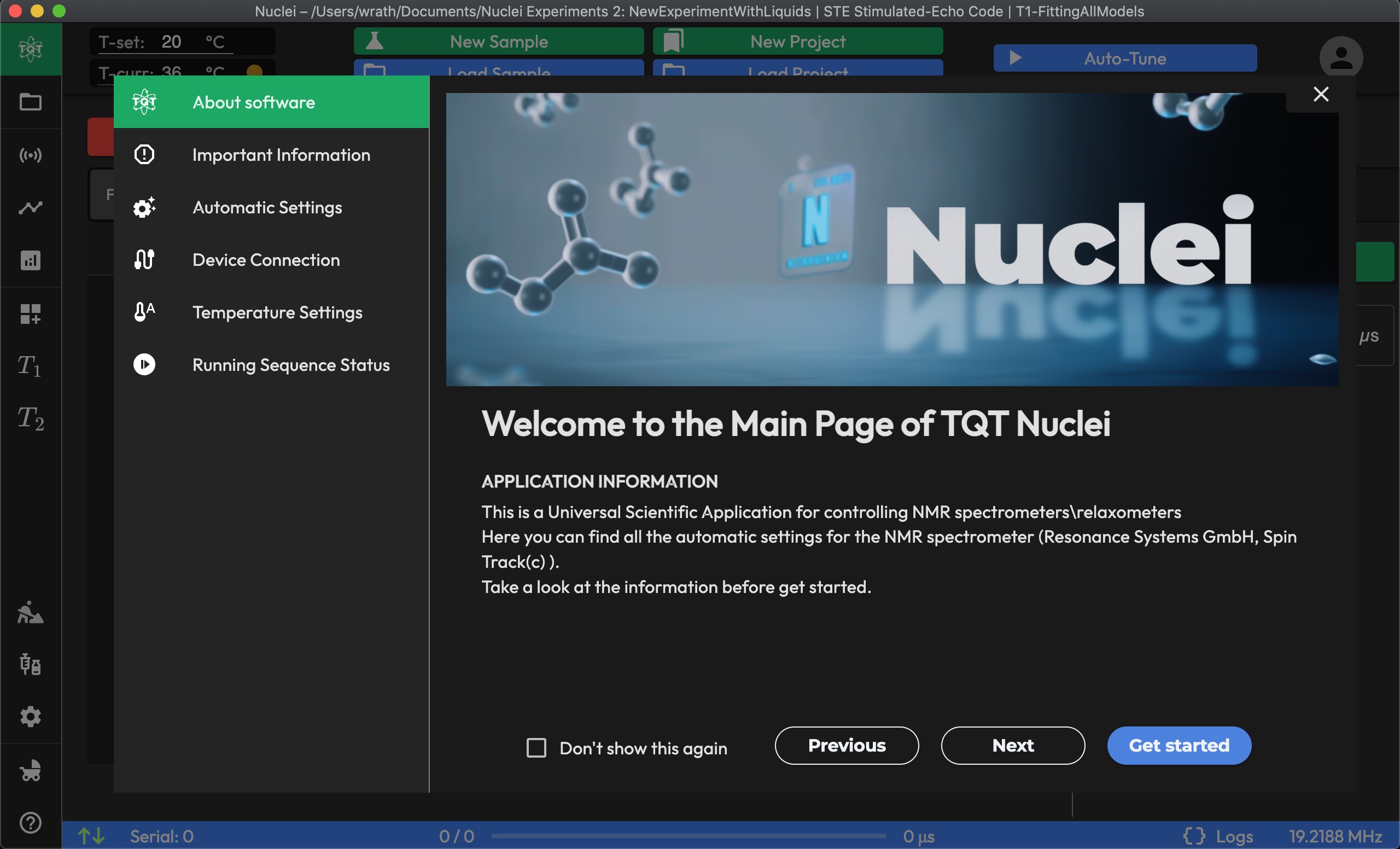
TQT Nuclei is organized around a natural experimental workflow: set up your device, run experiments, analyze data, and automate repetitive tasks. Each page in the app handles one step of that workflow, and you can move between them freely using the left sidebar.
This guide covers every page in detail. If you're new to the app, start with the Quick Start guide first, then come back here for the full reference.
The pages below are listed in the order you'd typically use them — from initial device setup through data analysis and automation.
-
The HOME page is your starting point for setting up the device. This page provides access to essential configuration tabs:
- FREQUENCY: Adjust the resonant frequency.
- DURATION: Set the optimal pulse duration.
- DEAD TIME: Configure the ringing time of the resonant circuit.
- PHASE: Fine-tune the phase of the signal.
These settings ensure the NMR unit is correctly calibrated before starting an experiment.
-
The ACQUISITION page allows you to select and start your NMR experiments. Choose from a list of pre-configured experiment presets, such as Hahn-Echo, or set custom acquisition parameters. This is the primary interface for running and monitoring real-time measurements.
-
The DATA BROWSER stores all completed and saved experiments. You can browse through previously recorded data, view detailed results, and manage your data files. Saved experiments can be reanalyzed, exported, or used for further study.
-
The SEQUENCE page allows you to customize pulse sequences. You can modify existing pulse sequences or create new ones tailored to specific experimental needs. This page is useful for advanced users who wish to develop custom experiments.
-
The ANALYSIS page provides tools for analyzing acquired NMR data. It includes various data processing and fitting tools that enable you to extract meaningful results from your experiments.
-
The CUSTOM PAGE allows you to create custom configurations or interfaces based on your specific workflow. It is highly flexible and can be tailored to meet unique experimental or data processing requirements.
-
The T1/T2 page is specifically designed for relaxation measurements. It includes settings and tools for acquiring T1 and T2 relaxation data, optimizing relaxation experiments, and analyzing the results.
-
The SCHEDULER page lets you automate the timing of your experiments. Schedule multiple measurements or repetitive experiments over a set period, ensuring an efficient and hands-off workflow.
-
The SAMPLE INFO page is where you enter and manage information about the samples used in your experiments. This page ensures that your data is well-organized and that you can easily track and reference sample details.
-
The SETTINGS page allows you to configure the overall software environment, including device connectivity, user preferences, and other system settings. This page helps you customize the software according to your operational needs.
-
The BASIC MODE page is a simplified interface for users who prefer a straightforward, minimal setup for running basic experiments. It provides essential controls for running routine experiments without needing to adjust advanced parameters.
-
The HELP page provides quick access to user support and resources. It features two buttons:
-
Open Documentation: This button opens the official documentation in a separate window at terraquant.tech/docs.
-
Submit an Issue: This button links to the GitHub issues page, where users can report bugs or request features.
On the right side of the HELP page, there is an integrated duplicate of the pop-up window that shows fast information about the software and hardware, offering a quick reference for essential instructions.
-